Face Blur App
Blur faces automatically or take complete manual control.
Redact.ID is a privacy-focused face blur app that makes it fast and easy to hide faces and identifying details in your photos.
Automatically detect and blur faces, manually select what you want blurred, or paint blur directly onto an image for precise control.
Choose a photo. Blur what you want hidden. Export and share.
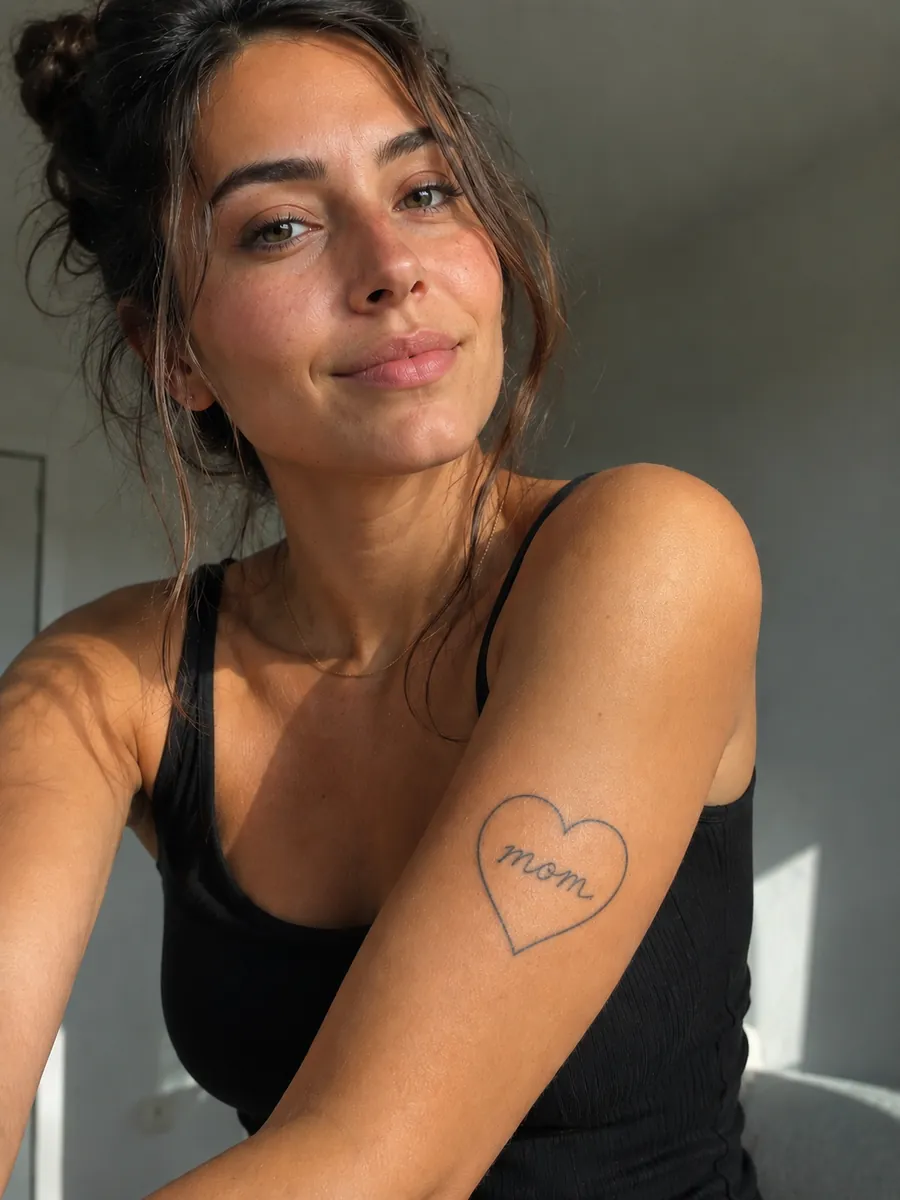
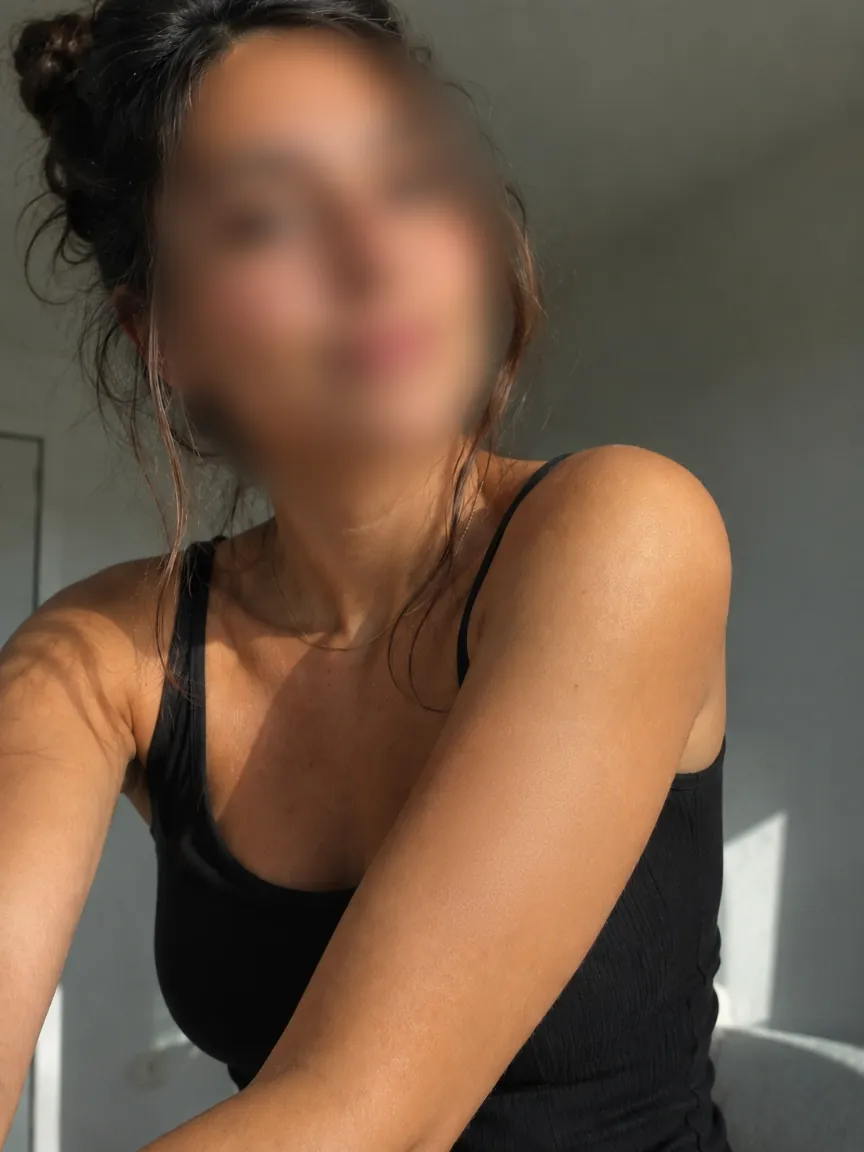
Three Ways to Blur Faces
Sometimes you want speed. Sometimes you want precision.
Redact.ID gives you both.
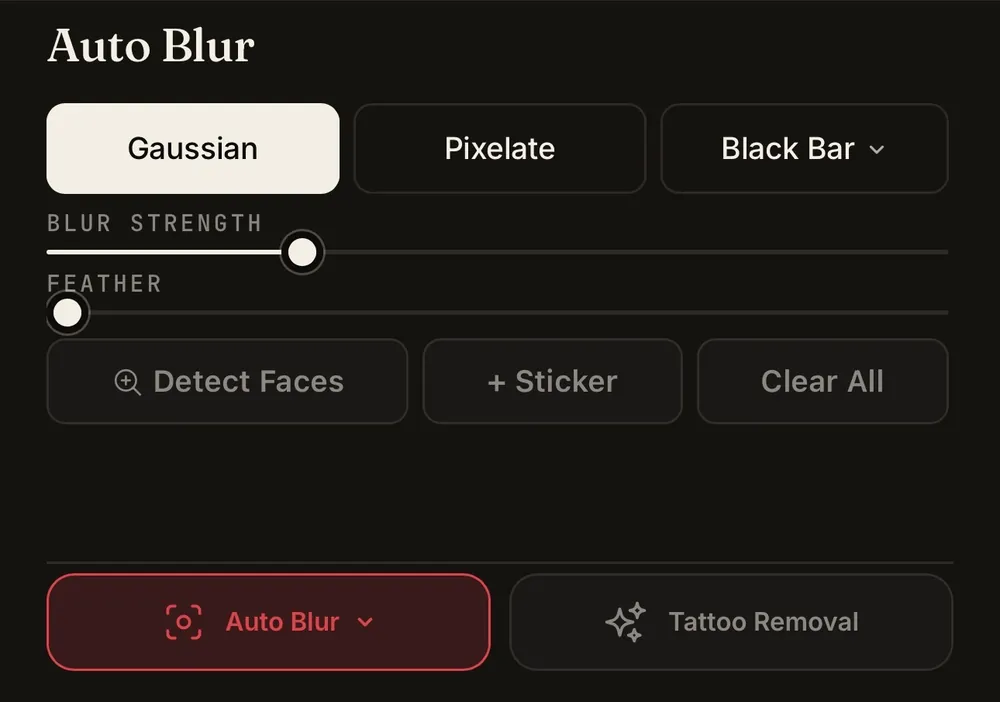
Auto Face Blur
Let Redact.ID automatically detect faces in your photo and apply a blur in seconds.
Automatic face detection is especially useful when you’re editing photos quickly or working with images containing several people.
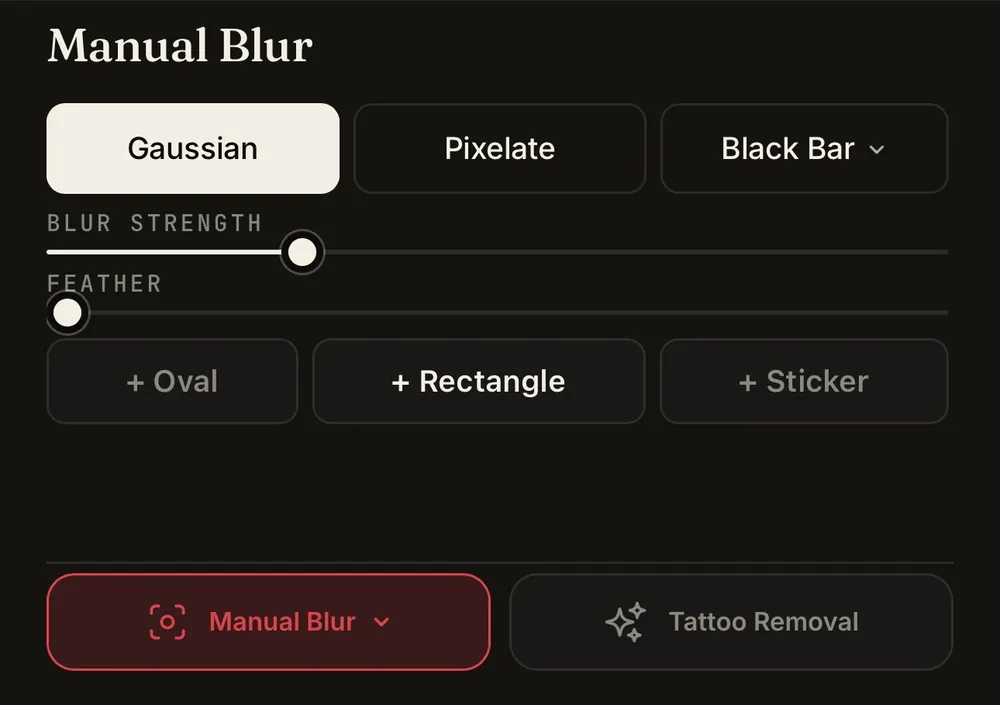
Manual Blur
Want to decide exactly what gets hidden?
Use manual blur to select the face or area you want to obscure instead of relying on automatic detection.
Freehand Blur
For even more control, paint the blur directly onto your image.
Freehand blur lets you cover specific parts of a face or other identifying details that automatic face detection may not recognize.
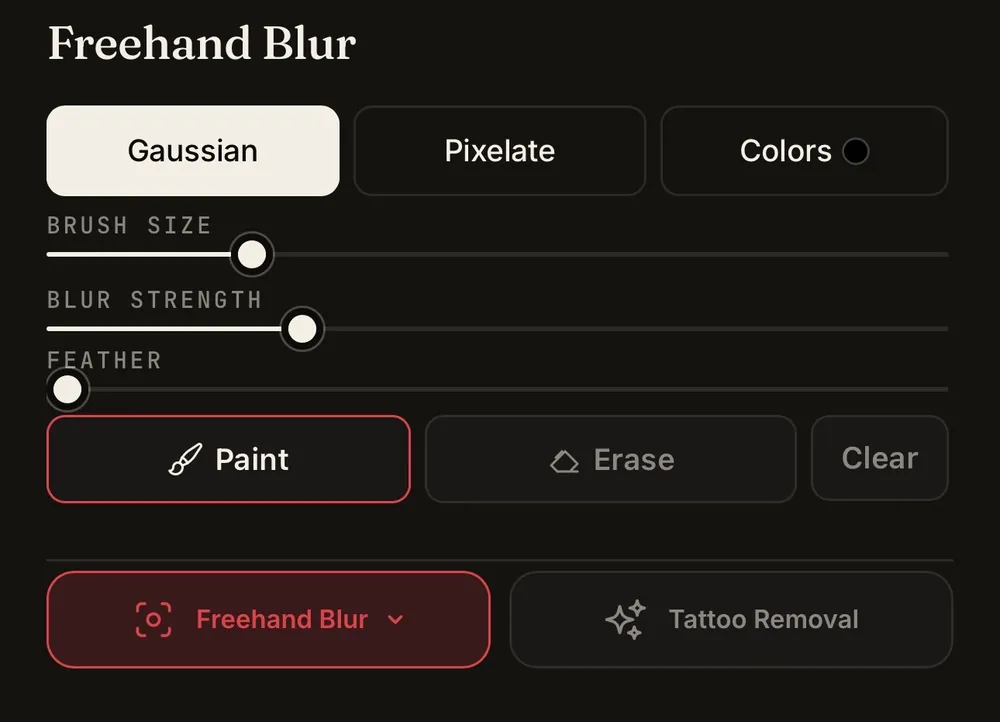
Auto when you want speed. Manual when you want control.
A Face Blur App Built for Privacy
Redact.ID isn’t a general photo editor with a blur tool buried inside it.
It’s built specifically to help you remove identifying information from photos before sharing them online.
Your photos and edits are stored locally on your device rather than being kept in a Redact.ID photo library on a server.
That means you can protect the privacy of your photos without creating another online collection of the images you’re trying to keep private.
Blur More Than Just Faces
A face isn’t always the only thing that can identify someone.
That’s why Redact.ID’s manual and paint-on blur tools can also be used to obscure other visible details in an image.
Blur a face automatically, then manually cover anything else you don’t want people to see.
For identifying tattoos, Redact.ID also offers a dedicated AI tattoo removal tool that can remove the tattoo from the image rather than simply covering it with blur.
Face Blurring Without Complicated Photo Editing
You shouldn’t need professional editing software just to hide a face in a photo.
Redact.ID is designed to make the process simple:
- Select your photo.
- Choose automatic, manual, or paint-on blur.
- Review what you’ve hidden.
- Export your edited image.
No complicated layers. No learning Photoshop. No manually editing every pixel just to obscure someone’s identity.
Blur One Face or Many
Redact.ID can automatically detect multiple faces within a photo, making it useful for images containing groups, crowds or people in the background.
Instead of manually finding every face, start with automatic face detection and then make any additional adjustments yourself.
Need to process multiple photos? Redact.ID also supports tools designed to make privacy editing larger sets of images faster.
Made for Photos You’re Actually Going to Share
Face blurring can be useful anytime you want to share an image without revealing every person or identifying detail inside it.
Use Redact.ID for social media photos, online content, marketplace listings, screenshots, dating profiles, professional images, event photography or anywhere else you want greater control over what an image reveals.
Your photo can still tell the story without showing every face.
More Photo Privacy Tools in Redact.ID
Face blur is only one way Redact.ID helps you control what your photos reveal.
Redact.ID also includes tools for:
Tattoo Removal
Remove identifying tattoos from photos using AI-assisted tattoo removal.
EXIF Metadata Removal
Remove hidden metadata contained within image files before sharing them.
Multiple Photo Processing
Speed up privacy editing when you’re preparing more than one image.
Each tool is designed around the same goal: making it easier to control what information leaves your device when you share a photo.
Frequently Asked Questions
What is a face blur app?
A face blur app lets you obscure recognizable faces in photos before saving or sharing them. Redact.ID includes automatic face detection as well as manual and paint-on blur tools.
Can Redact.ID automatically blur faces?
Yes. Redact.ID can automatically detect faces in a photo so you can quickly apply a blur without manually locating every face.
Can I manually blur a face?
Yes. Redact.ID includes manual blur controls when you want to choose exactly what gets obscured.
Can I paint blur onto part of a photo?
Yes. Redact.ID’s paint-on blur gives you more precise control by allowing you to apply blur directly to the areas you want hidden.
Can Redact.ID detect multiple faces?
Yes. Automatic face detection can identify multiple faces within an image. You can then review the image and make additional manual adjustments if necessary.
Does Redact.ID store my photos?
Redact.ID is designed so your photos and edits are stored locally on your device rather than being maintained in an online photo library on Redact.ID’s servers.
Some features that require additional processing, such as AI tattoo removal, require an image to be sent for GPU processing.
Does Redact.ID remove EXIF metadata?
Yes. Redact.ID includes EXIF metadata removal as another way to reduce information contained within an image file before you share it.
Does blurring my face make me anonymous?
Not necessarily. A face is only one piece of information that could identify someone in a photograph. Tattoos, backgrounds, text, reflections, clothing and other details may still reveal information about you.
For a more complete approach, read our guide to protecting your identity in photos before posting online.
Blur What You Don’t Want to Share
Automatically detect faces when you want speed.
Manually blur when you want control.
Paint on blur when you want precision.
Redact.ID gives you control over what your photos reveal before you share them.