Tattoo Removal App
Remove tattoos from photos with AI
Tattoos can be more identifying than you think.
Even when your face is hidden, a distinctive tattoo can make it possible to recognize you or connect a photo to images you’ve posted elsewhere online.
Redact.ID is an AI tattoo removal app designed to remove visible tattoos from photos while helping you protect your identity online.
Select the tattoo you want removed, let Redact.ID process the image, and export your edited photo.


Remove Tattoos From Photos With AI
You don’t need to manually clone skin, paint over a tattoo or spend time trying to recreate the surrounding area in traditional photo-editing software.
Redact.ID uses AI-assisted image processing to remove the selected tattoo and reconstruct the area where it appeared.
The goal is simple:
Remove the tattoo—not just cover it.
This makes tattoo removal useful when you want a more natural-looking result than simply placing a blur over the area.
How to Remove a Tattoo From a Photo
Removing a tattoo with Redact.ID is designed to be straightforward.
- Choose your photo.
- Paint over the tattoo you want removed. Don’t worry too much about precision.
- Send it for AI tattoo removal.
- Review the result.
- Retouch if needed.
- Export your edited image.
The tattoo removal is processed using GPU-powered AI, eliminating the need to manually recreate the skin and surrounding details yourself.
Why Remove Tattoos From Photos?
There are plenty of reasons someone might want a tattoo removed from an image.
Maybe you simply don’t want it in a particular photo.
Maybe you’re creating content and want a cleaner image.
Or maybe the tattoo itself could reveal your identity.
Tattoos Can Be Identifying
A unique tattoo can act as a recognizable physical characteristic.
If the same tattoo appears on your public social media account and an account you intend to keep anonymous, it may provide another visual detail that could connect those photos.
This can be particularly relevant for content creators, online sex workers, models and anyone maintaining separation between different online identities.
Covering your face doesn’t necessarily hide everything that makes you recognizable.
Removing distinctive tattoos can help reduce another source of identifying information in a photo.
Learn How to Protect Your Identity in Photos
Tattoo Removal Instead of Tattoo Blur
Sometimes blurring a tattoo is exactly what you need.
Other times, a large blurred patch can be distracting or make it obvious that something has been intentionally concealed.
Redact.ID gives you different options.
You can use manual or paint-on blur when you simply want to obscure an identifying tattoo or other feature.
Or you can use AI tattoo removal when you want to remove the tattoo from the image and create a more natural-looking result.
Which approach makes sense depends on the photo and how you intend to use it.
Remove Tattoos Without Complicated Photo Editing
Removing a tattoo manually can be surprisingly difficult.
Traditional photo editing may require cloning nearby skin, matching texture and lighting, blending edges and reconstructing details hidden underneath the tattoo.
Redact.ID is designed to handle that process for you.
Instead of becoming a photo-retouching expert just to remove one tattoo, select what you want removed and let the AI process the image.
Built for Privacy, Not Just Retouching
Redact.ID’s tattoo removal tool is part of a larger set of tools designed to help you control identifying information in your photos.
Your photos and edits are stored locally on your device rather than being maintained as a photo library on Redact.ID’s servers.
AI tattoo removal requires additional processing power, so the image is sent for GPU processing when you use this feature.
Other Redact.ID privacy tools include:
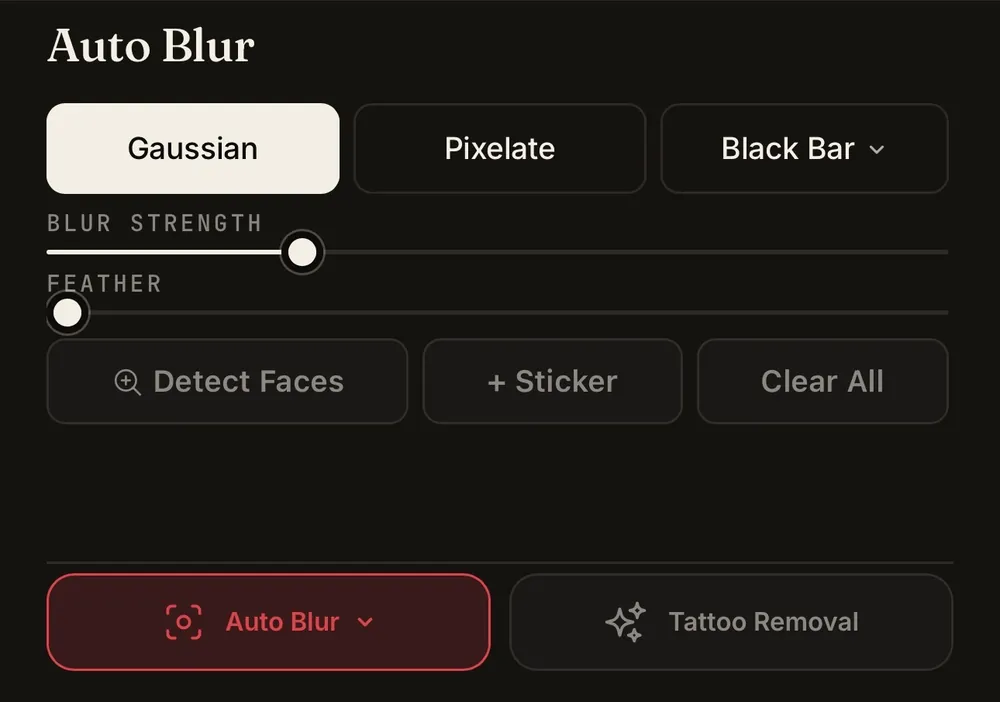
Automatic Face Blur
Automatically detect faces you may want to obscure.
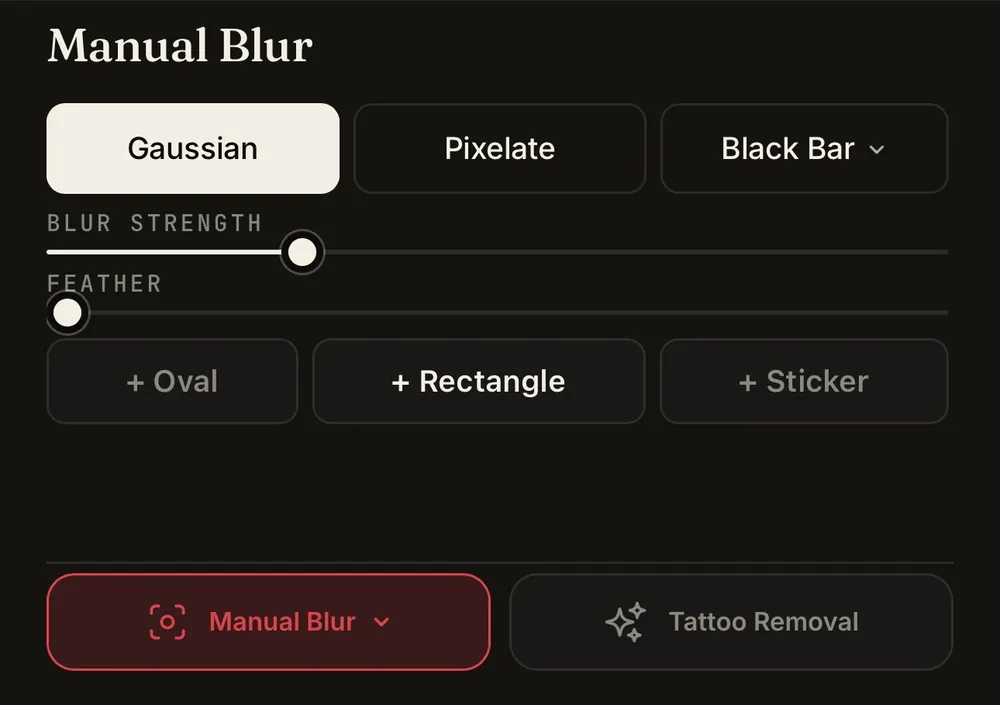
Manual Blur
Choose exactly what you want hidden.
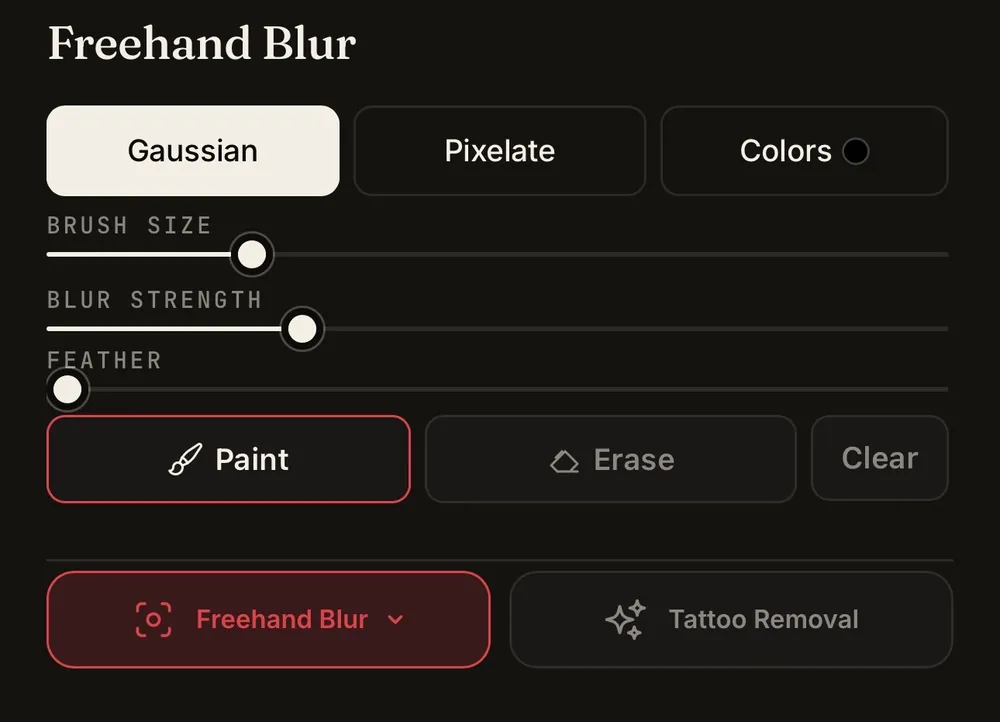
Freehand Blur
Freehand blur directly over identifying details.
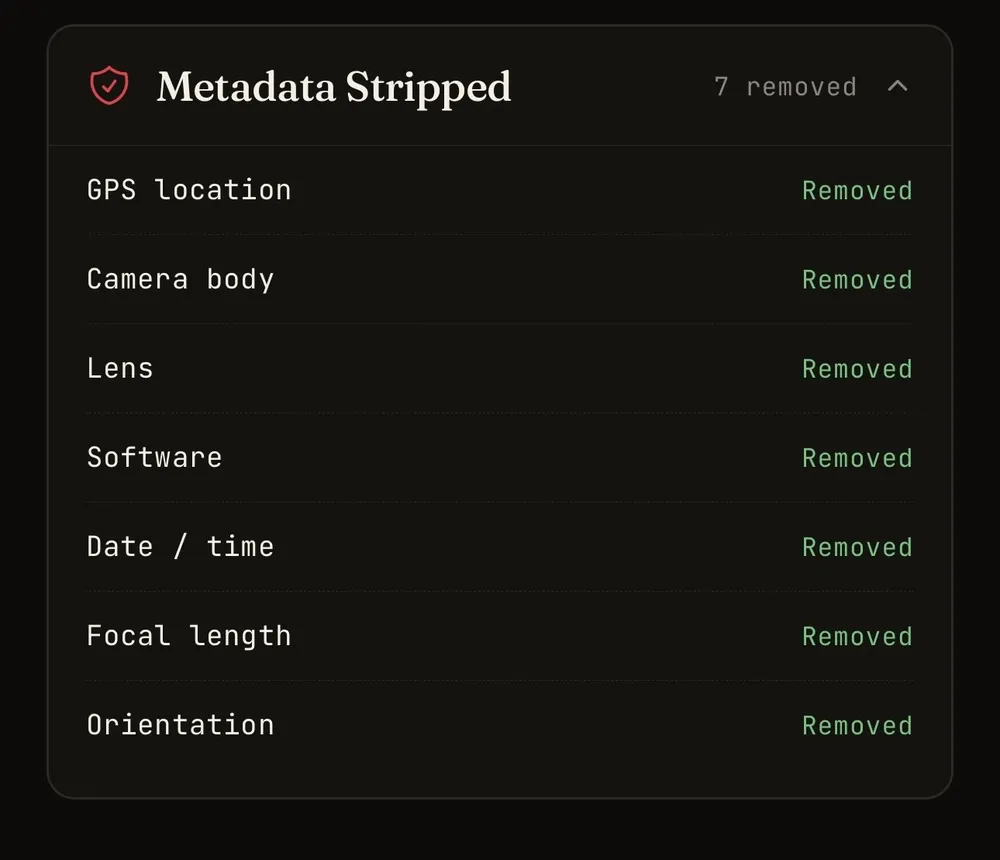
EXIF Metadata Removal
Remove metadata contained within an image file before sharing it.
Together, these tools let you check both the obvious and less obvious information your photos may reveal.
Tattoos Aren’t the Only Physical Features That Can Identify You
Removing a tattoo doesn’t automatically make a photo anonymous.
Scars, birthmarks, distinctive moles, jewellery, clothing and other recognizable physical details can also provide clues that connect one photo to another.
Before posting an image anonymously, look at the entire photo rather than focusing only on your face.
If another distinctive feature is visible, Redact.ID’s manual and paint-on blur tools can help you obscure it.
Read Our Photo Privacy Checklist
Frequently Asked Questions
Is there an app that removes tattoos from photos?
Yes. Redact.ID includes AI-assisted tattoo removal that lets you select a tattoo and remove it from a photo without manually retouching the area yourself.
How does Redact.ID remove tattoos from photos?
You select the tattoo you want removed and Redact.ID uses AI-powered image processing to reconstruct the selected area without the tattoo.
Does Redact.ID just blur the tattoo?
No. Tattoo removal and blur are separate tools.
Redact.ID’s AI tattoo removal is designed to remove the selected tattoo from the image. If you would rather simply conceal it, you can use manual or paint-on blur instead.
Can I use tattoo removal to protect my identity?
Removing a distinctive tattoo can reduce one potentially identifying feature in a photograph.
However, tattoo removal alone cannot guarantee anonymity. Your face, scars, birthmarks, surroundings, clothing, metadata and other details may still provide identifying information.
Can I remove multiple tattoos from a photo?
You can select the tattoos you want to remove and review the resulting image before exporting it. For photos containing several identifying features, check the entire image before posting.
Does Redact.ID store my tattoo removal photos?
Your Redact.ID photos and edits are stored locally on your device rather than being maintained in a Redact.ID server-side photo library.
Tattoo removal requires additional GPU processing, so an image using the tattoo removal feature is sent for processing.
Can I blur a tattoo instead of removing it?
Yes. Redact.ID includes manual and paint-on blur tools that can be used when you simply want to obscure a tattoo or another identifying feature.
Does removing a tattoo make my photo anonymous?
No single photo-editing technique can guarantee anonymity.
If protecting your identity is important, check your face, tattoos, scars, moles, clothing, surroundings, reflections, visible text and image metadata before posting.
Remove the Tattoo. Keep the Photo.
Whether you want a tattoo gone for privacy, aesthetics or simply because you don’t want it in a particular image, Redact.ID makes tattoo removal easier.
Select the tattoo. Let AI remove it. Review your photo.